 Photo + story
01 / Keep it all
More than a photo album
Pair a picture with its story, a voice note and a question, so the detail you don’t want to forget stays with it.
A little space for the long story
Everhall turns your photos, voice notes and stories into a private room your people can walk through, answer, and come back to.
Share a link. Everyone’s welcome in.No account needed for visitors.
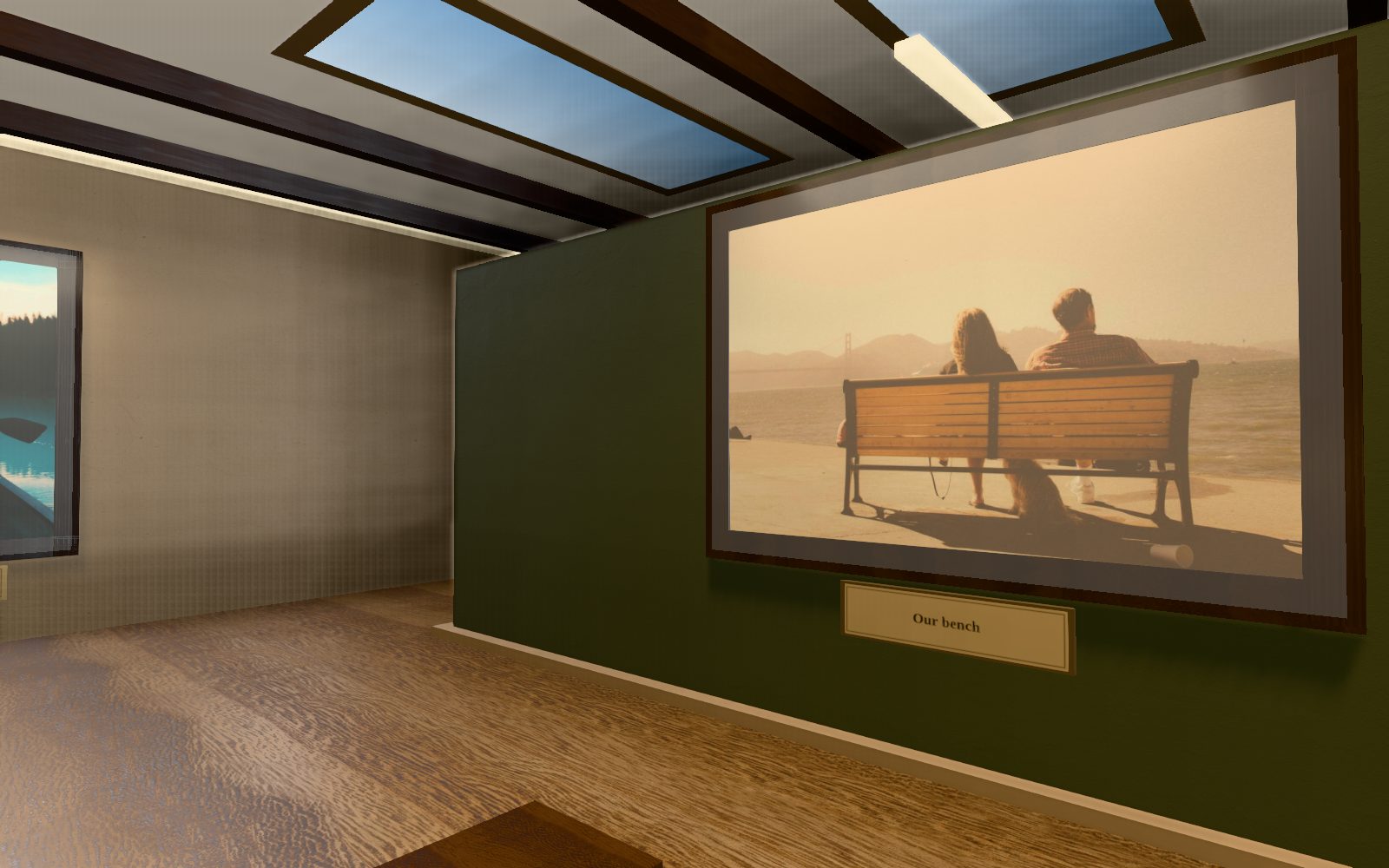
What were we arguing about that night?
A room with space to wander
Some are worth a photo. Some need a voice, a few words, or a story told by the person who was there.
Photo + story
Pair a picture with its story, a voice note and a question, so the detail you don’t want to forget stays with it.
Send one link. Friends and family walk in and answer, without making an account.
Add an access code, and choose how long answers stay open. You decide who steps inside.
As simple as getting everyone together
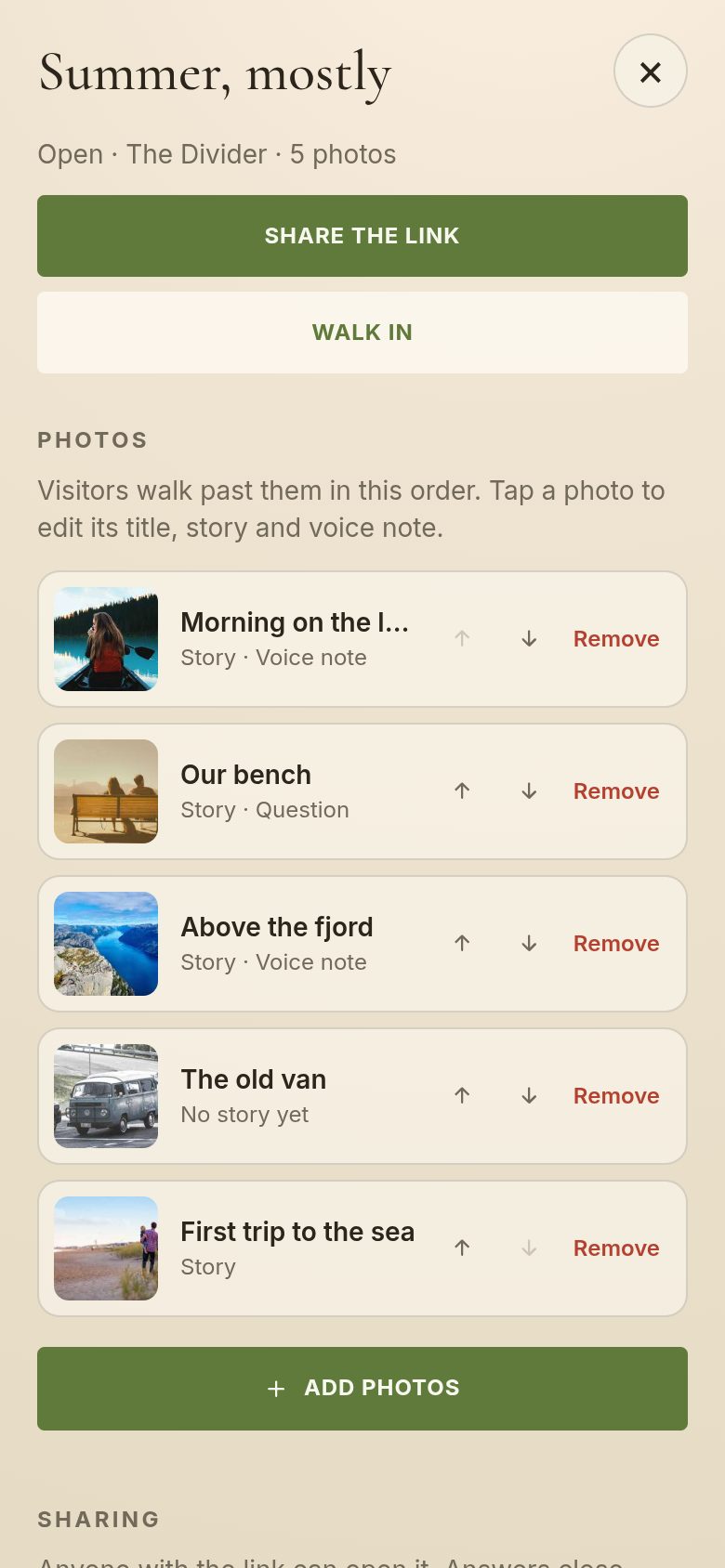
Add up to 30. Your room takes the space that fits how many you add.
Write the story, ask a question, record a few words. Visitors answer, then see yours.
Send the link, and the code if you set one. Your people walk through, look closer and leave their mark.
The spaces
Each space has its own architecture. Your room takes the one that fits how many photos it holds, so there’s nothing to choose. Walk any of them now.

A story gets a little bigger every time someone else remembers it.
That’s what Everhall is for.
The app
The Everhall app for Android makes a room from the photos on your phone in a few taps, and keeps every room you make or visit in one place.
Coming soon to Google Play
Rooms open in any browser, with or without the app.
Only people you send the link to. Rooms aren’t listed or searchable. Add an access code for extra privacy.
No. The link opens in any phone or computer browser. The app is there if they want it.
Up to 30. Your room takes one of five spaces, from a single room for 8 photos to an open courtyard for 30.
Yes. Each photo can have a story, a voice note of up to 10 seconds, and a question, written or multiple choice. Visitors answer first, then see yours.
You do, as they come in. Answers stay open for the time you choose (a week unless you change it); after that your room shows everyone’s answers, and yours, to everyone who visits. Visitors are told before they answer. You can reopen answers any time.
They’re stored privately with a cloud provider. Only people with your link, and code if you set one, can see them.
Yes. Edit photos, stories and questions any time, then publish again. The link stays the same.
Codes are stored scrambled, so no one can read them, us included. Set a new one in your dashboard and send it again.
In the app, go to Me and choose Delete account; on the dashboard, it’s at the bottom of Your rooms. Your rooms, photos, recordings, the answers you’ve given and the record of your visits are deleted straight away.
Contact us
We read every message and reply by email.
A place that feels like yours
Start with one memory. See what your friends and family add to it.
Start your room Opens the Everhall dashboard in your browser. Sign in with Google or your email.